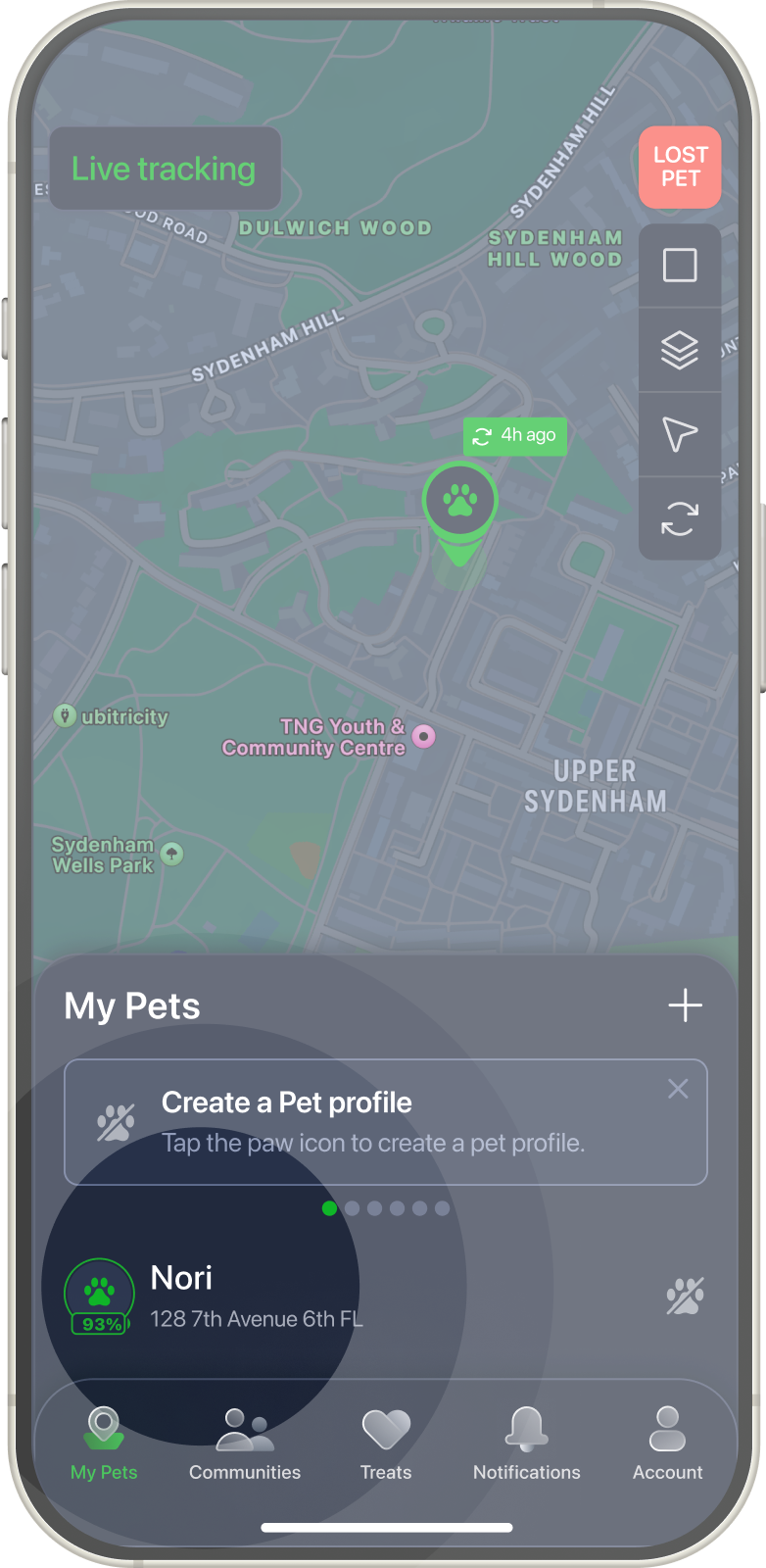



My Pets
Add tracker
On bottom tab tap My Pets icon.
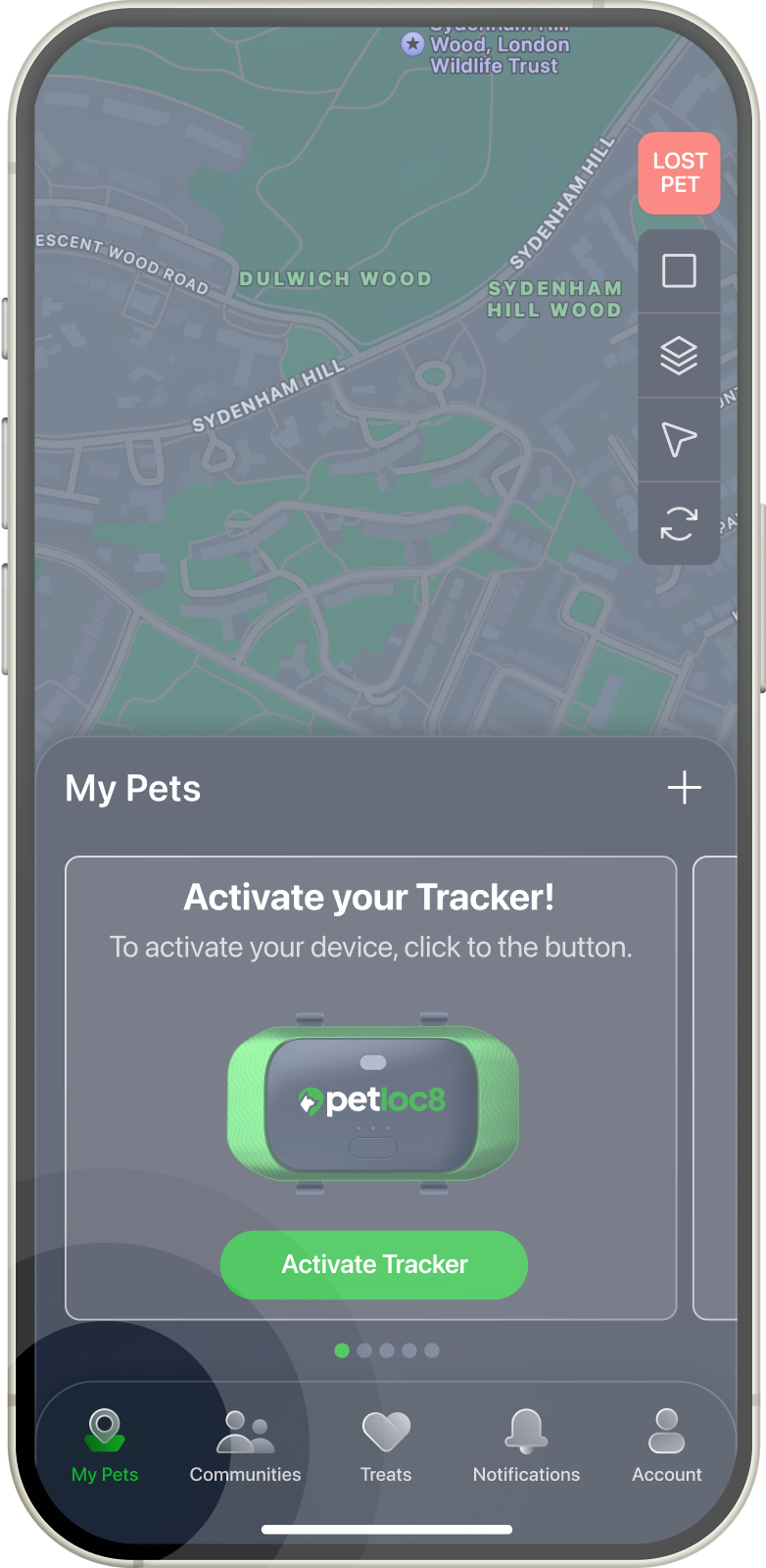
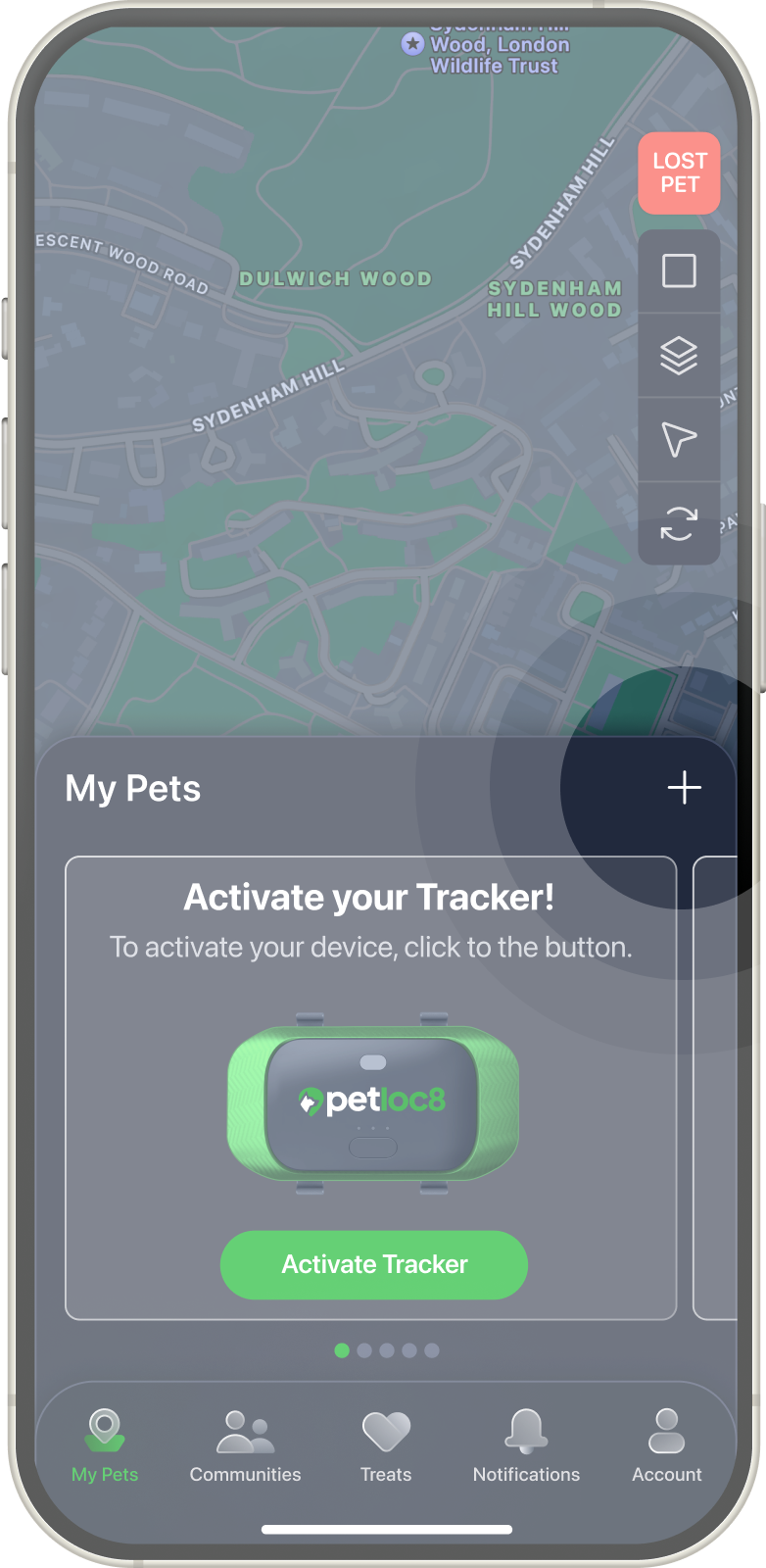
On the next screen tap + icon on the right side next to Devices title.
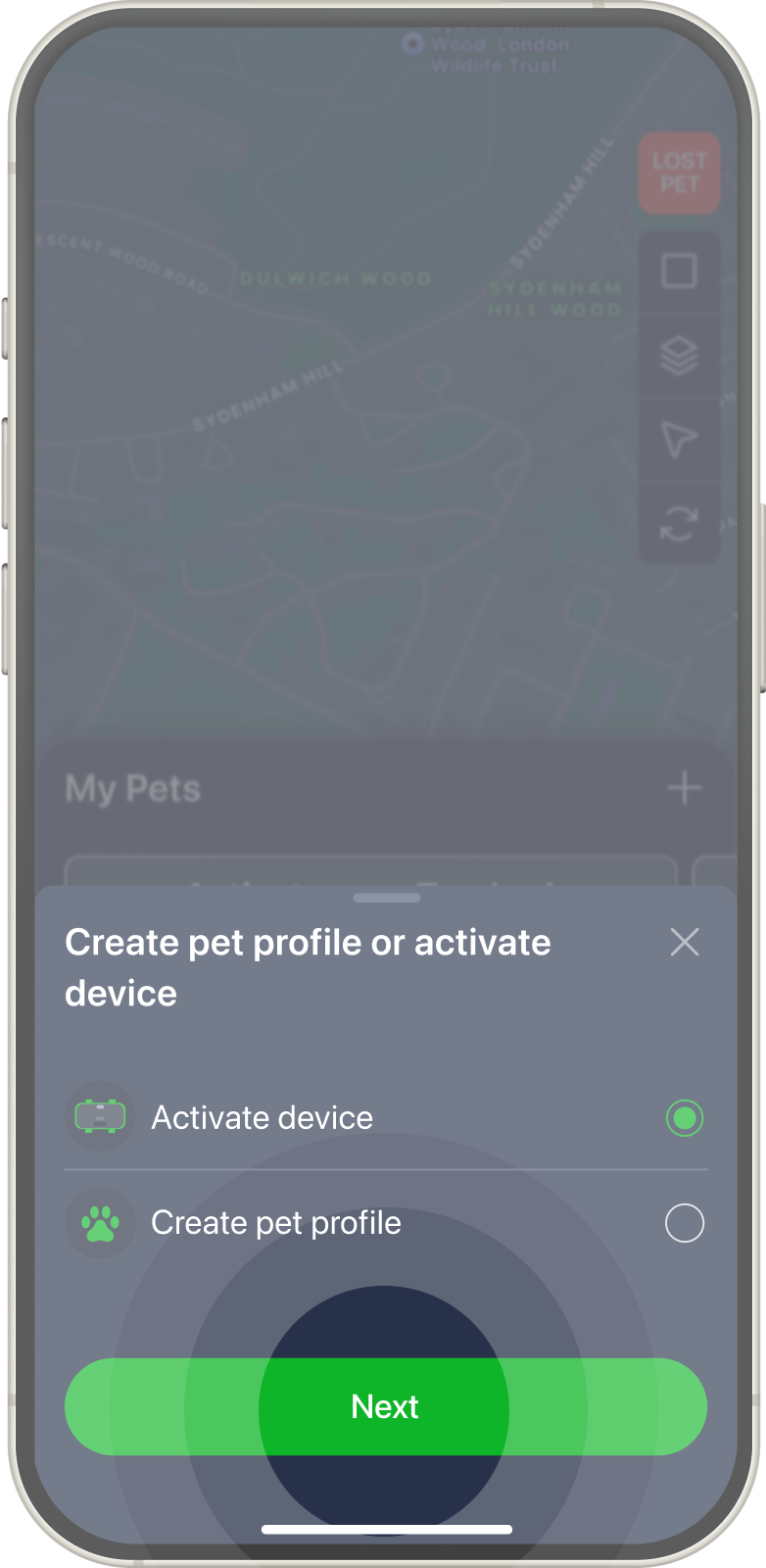
On popup window choose “Activate device”
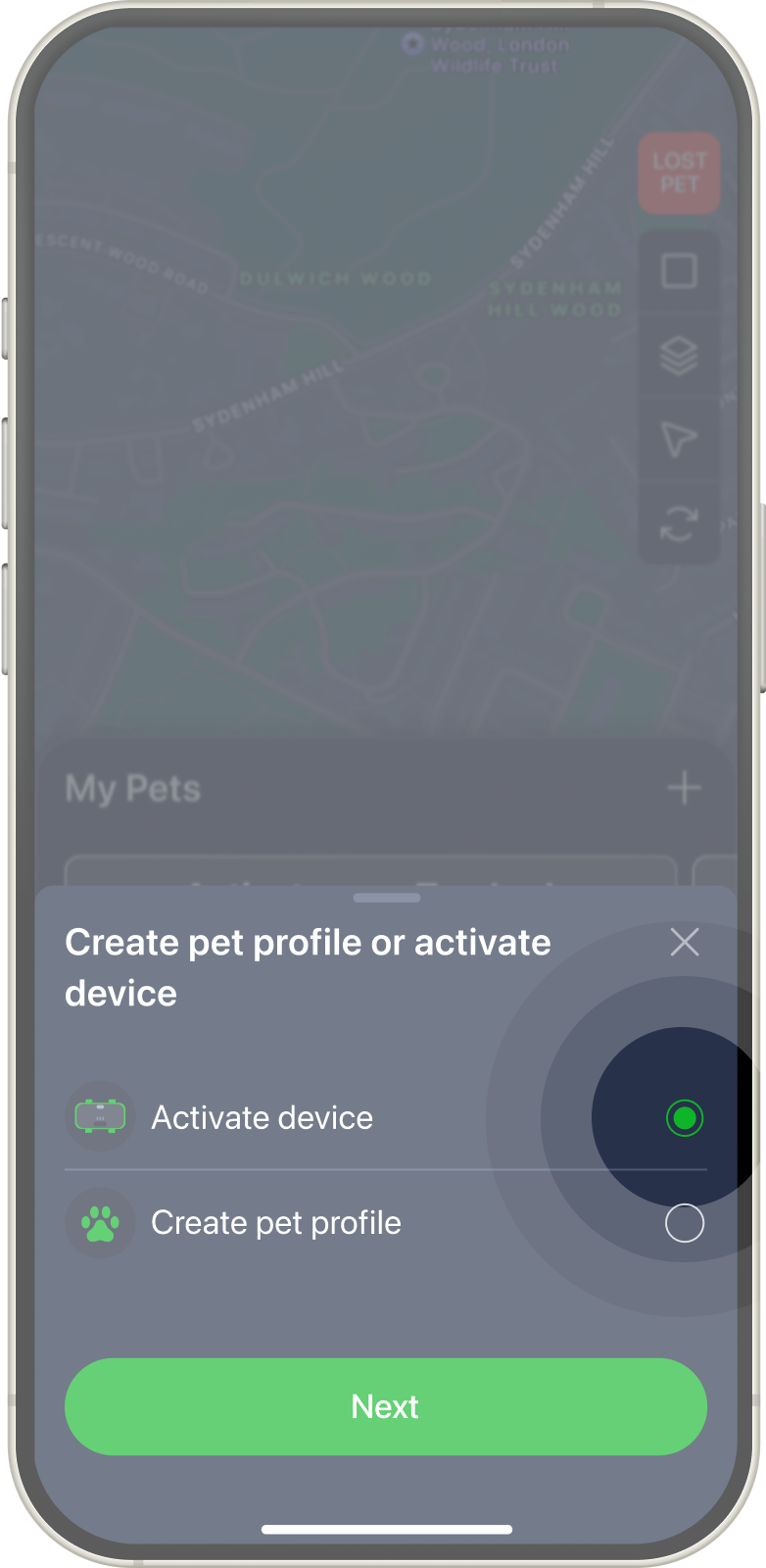
Tap on Next button.
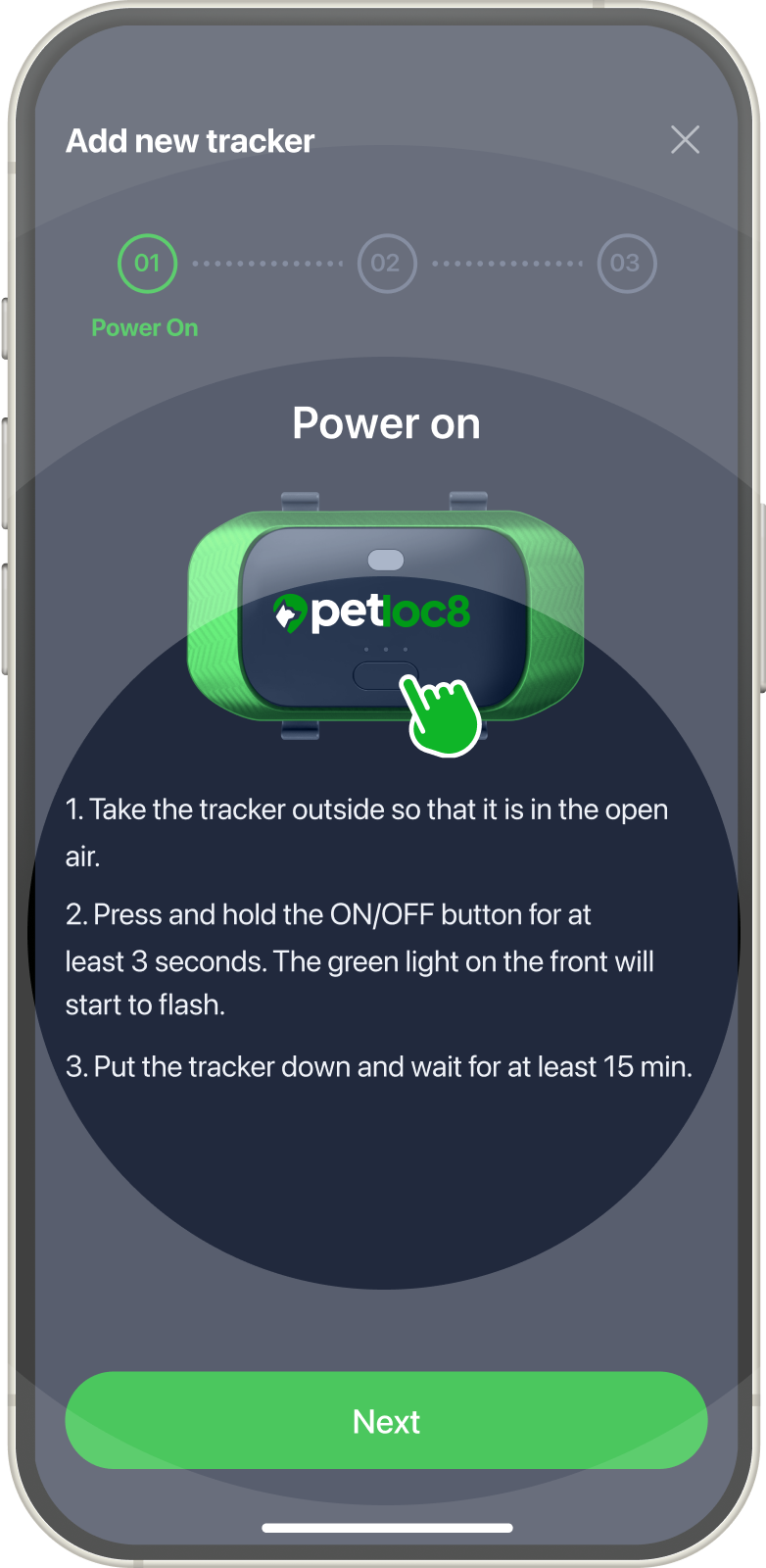
Power on your tracker.
1. Take the tracker outside so that it is in the open air.
2. Press and hold the ON/OFF button for at least 3 seconds. The green light on the front will start to flash.
3. Put the tracker down and wait for at least 15 min.
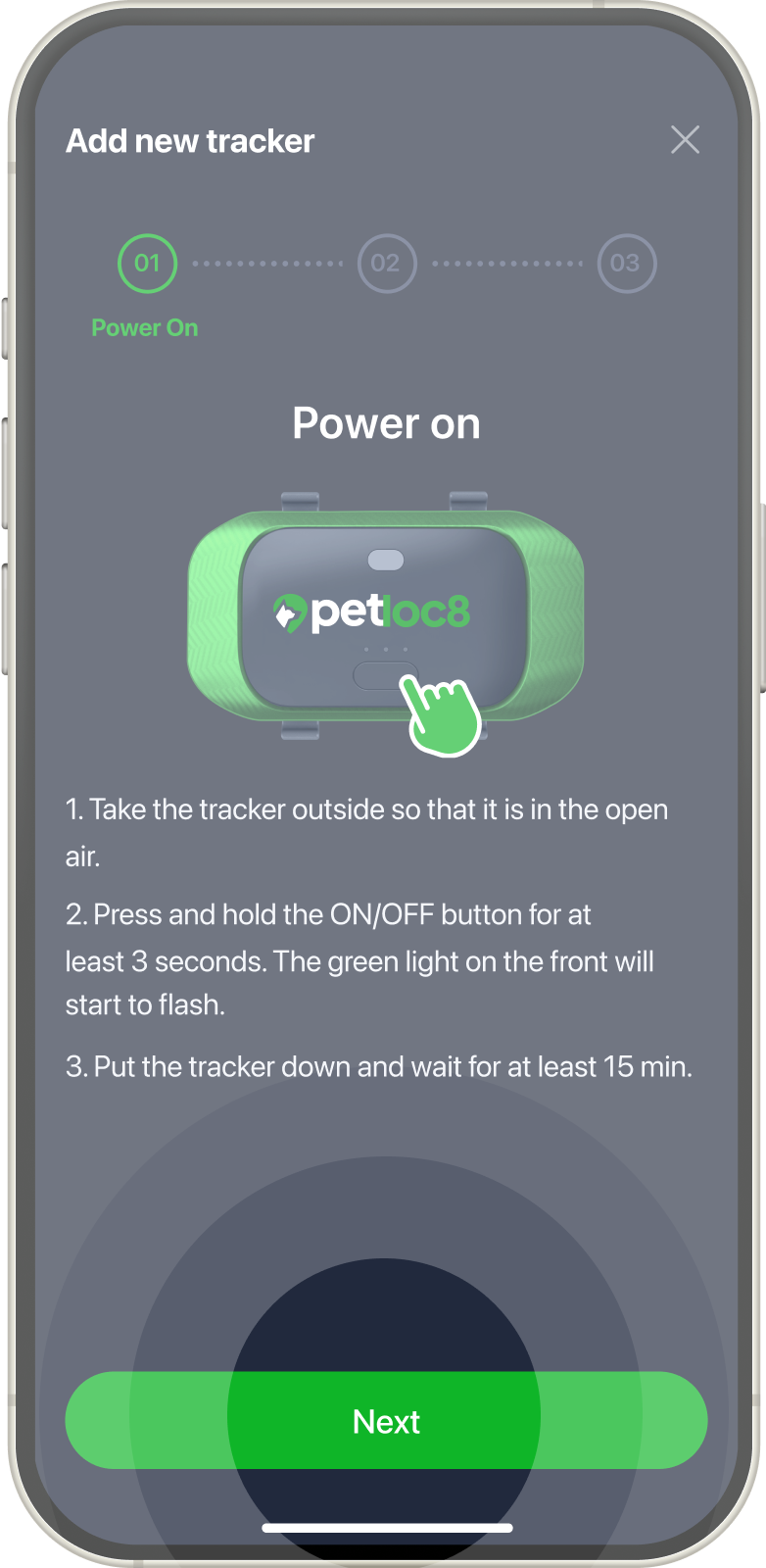
Tap on Next button.
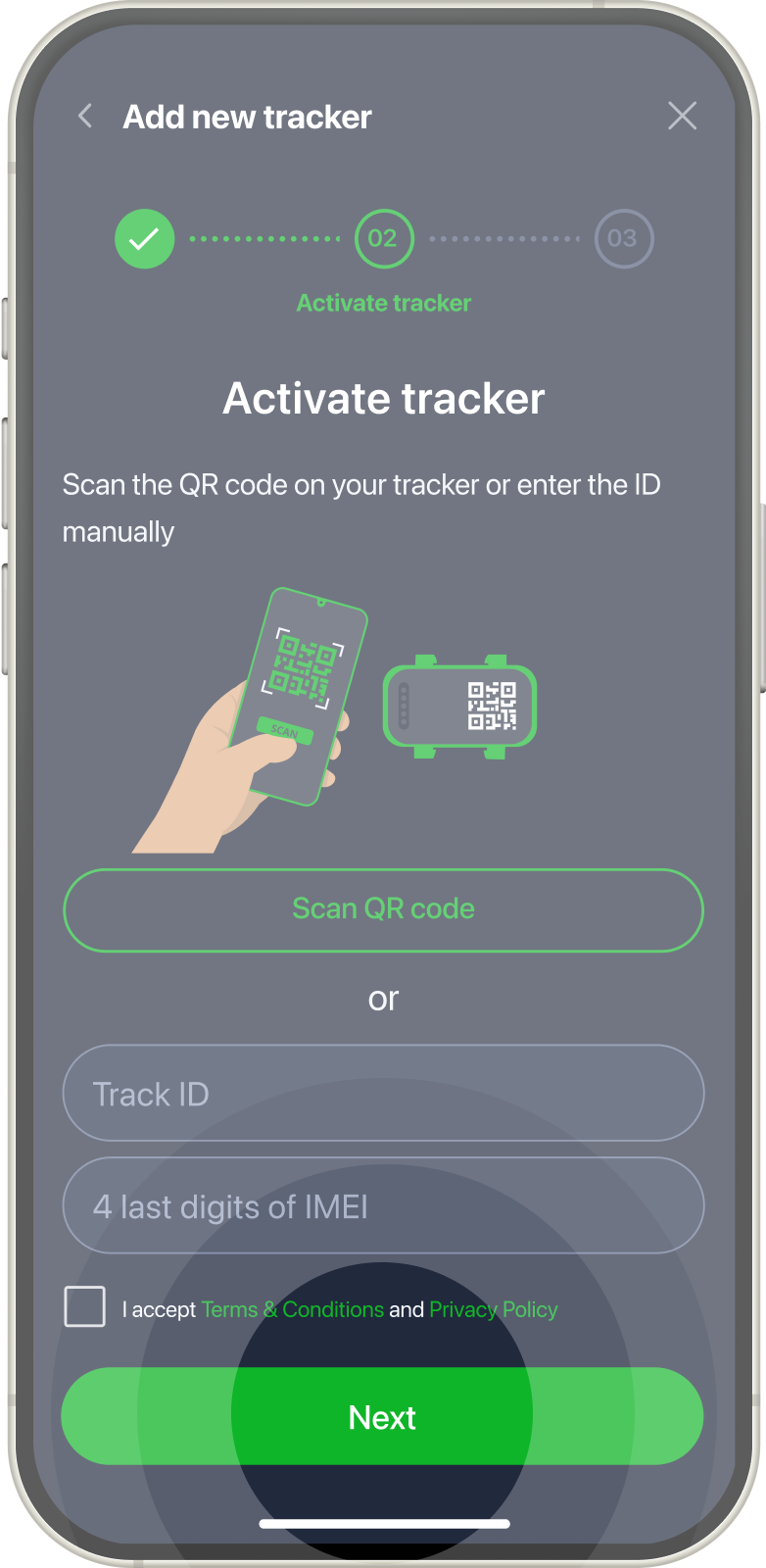
Activate tracker. Scan the QR code on your tracker or enter the ID manually – Track ID and 4 last digits of IMEI.
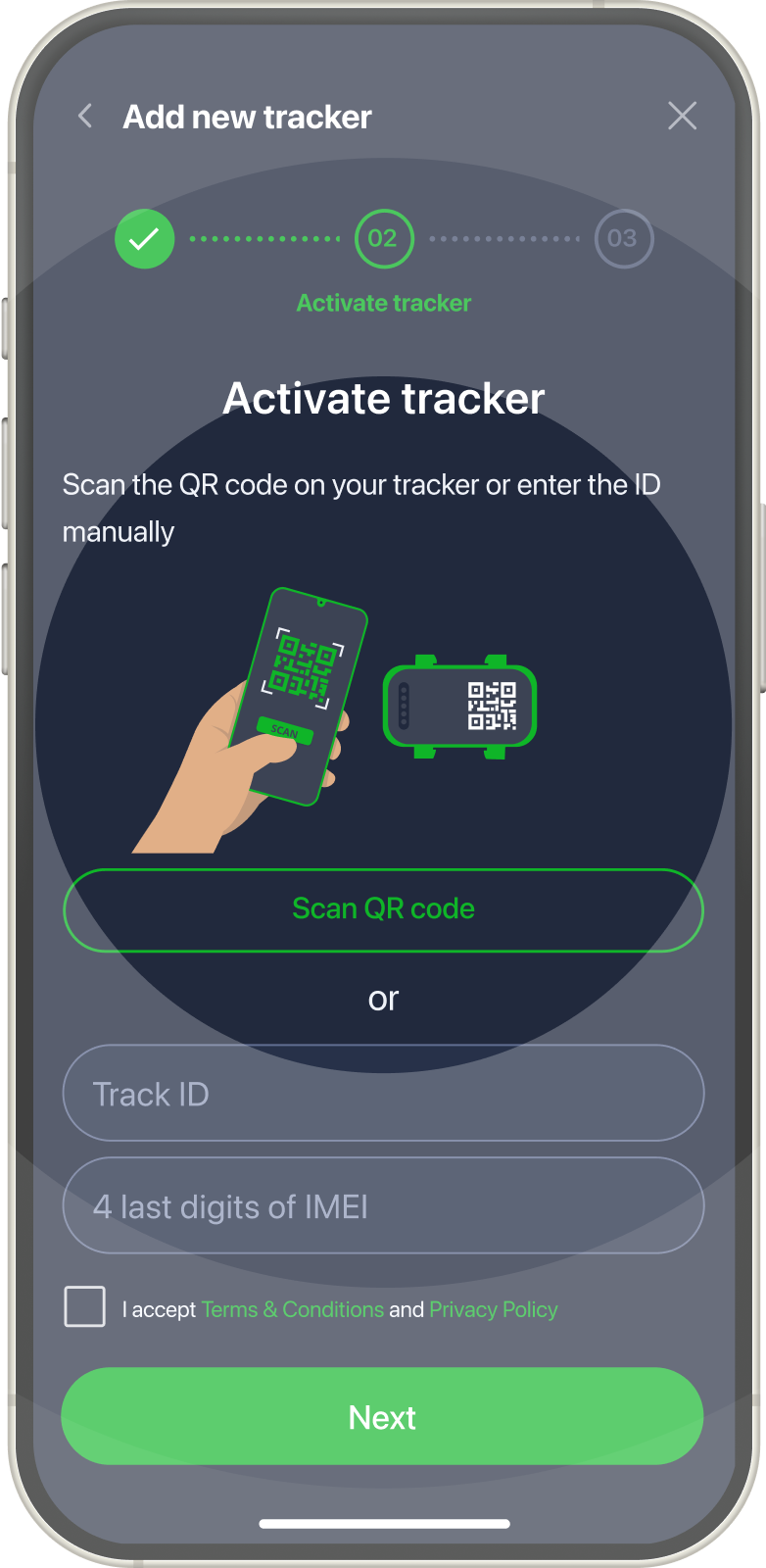
Tap Next button.
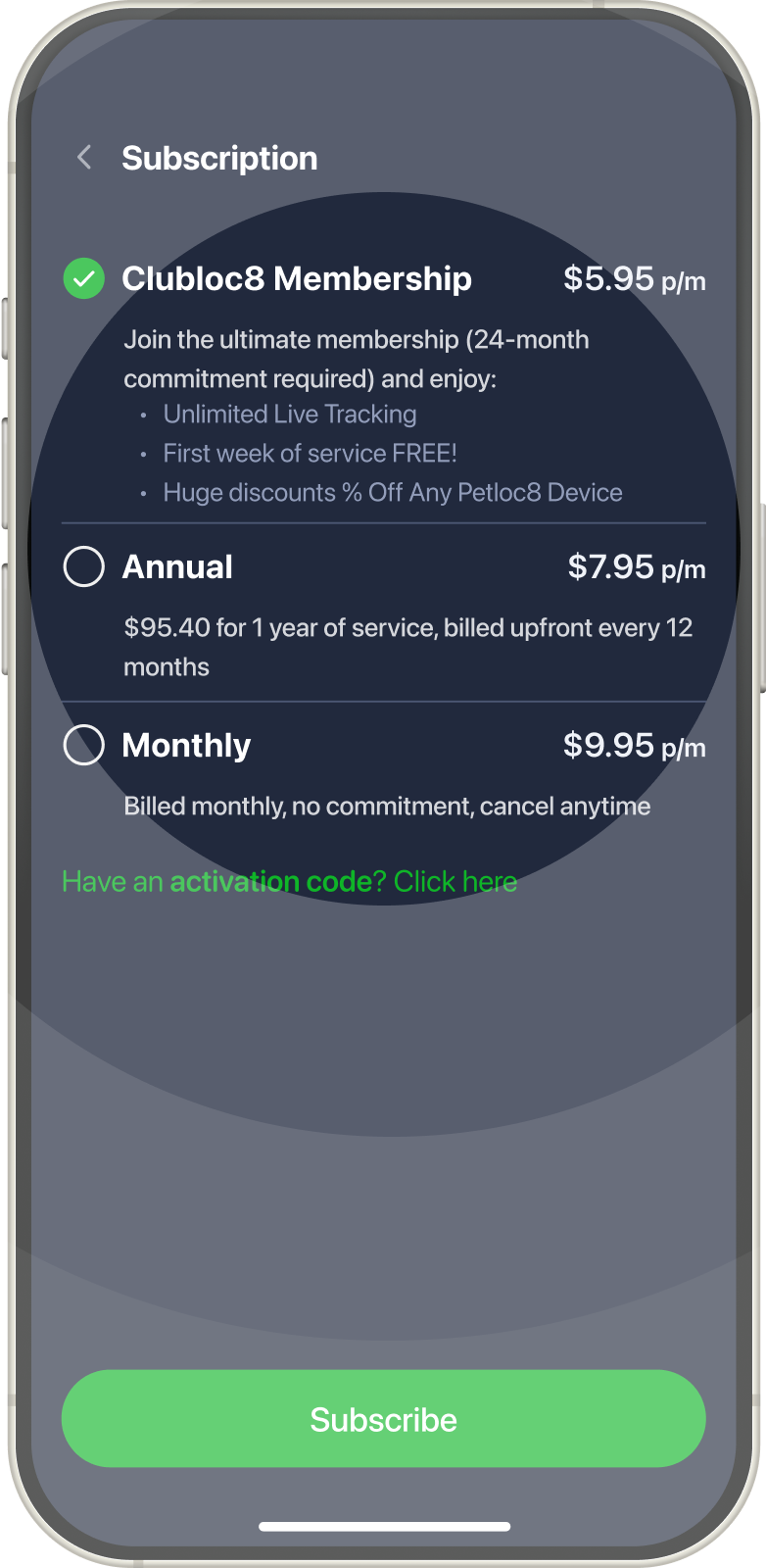
Choose plan for the current device.
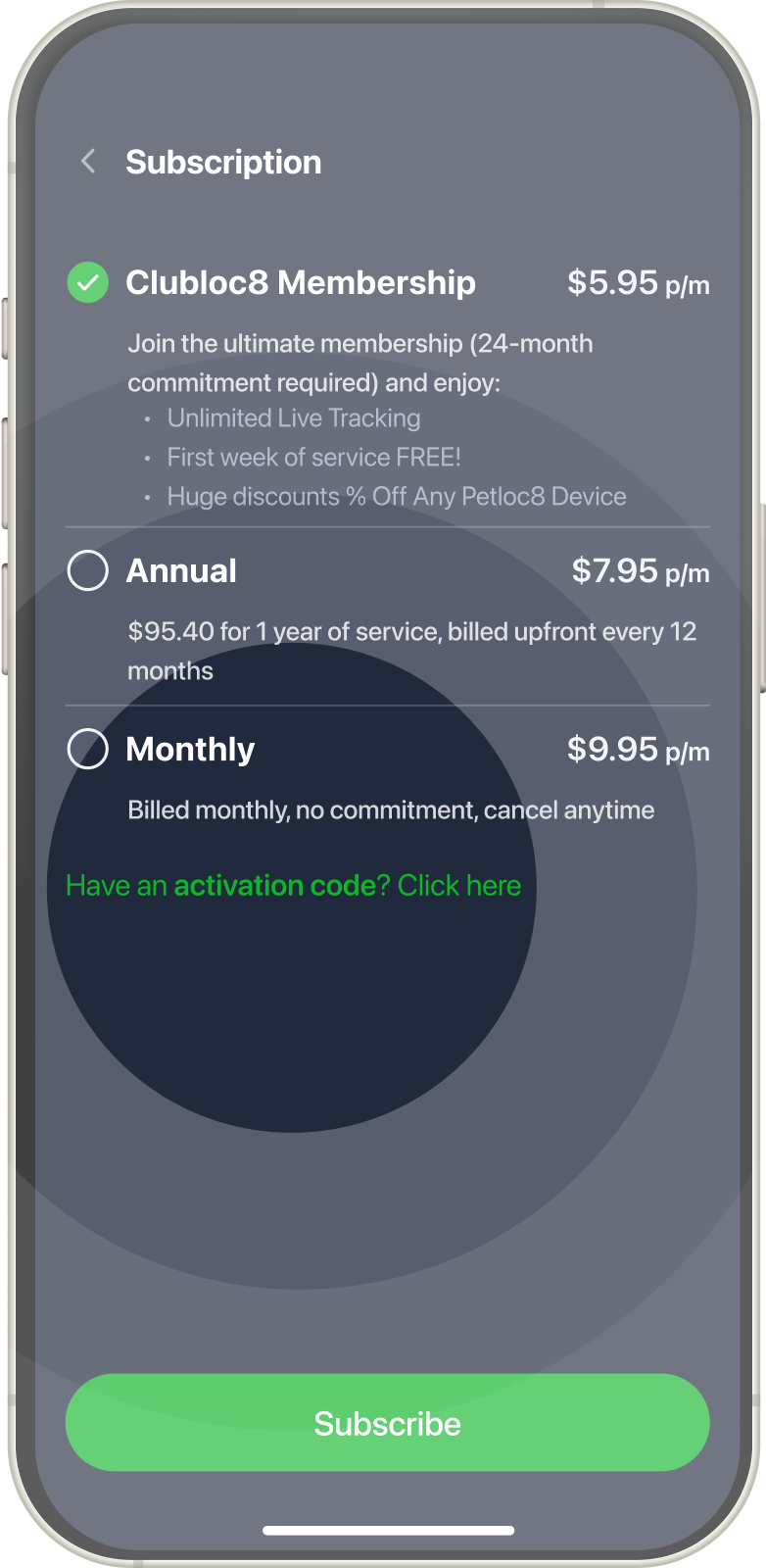
If you have an activation code you can use it here.
Tap Next button.
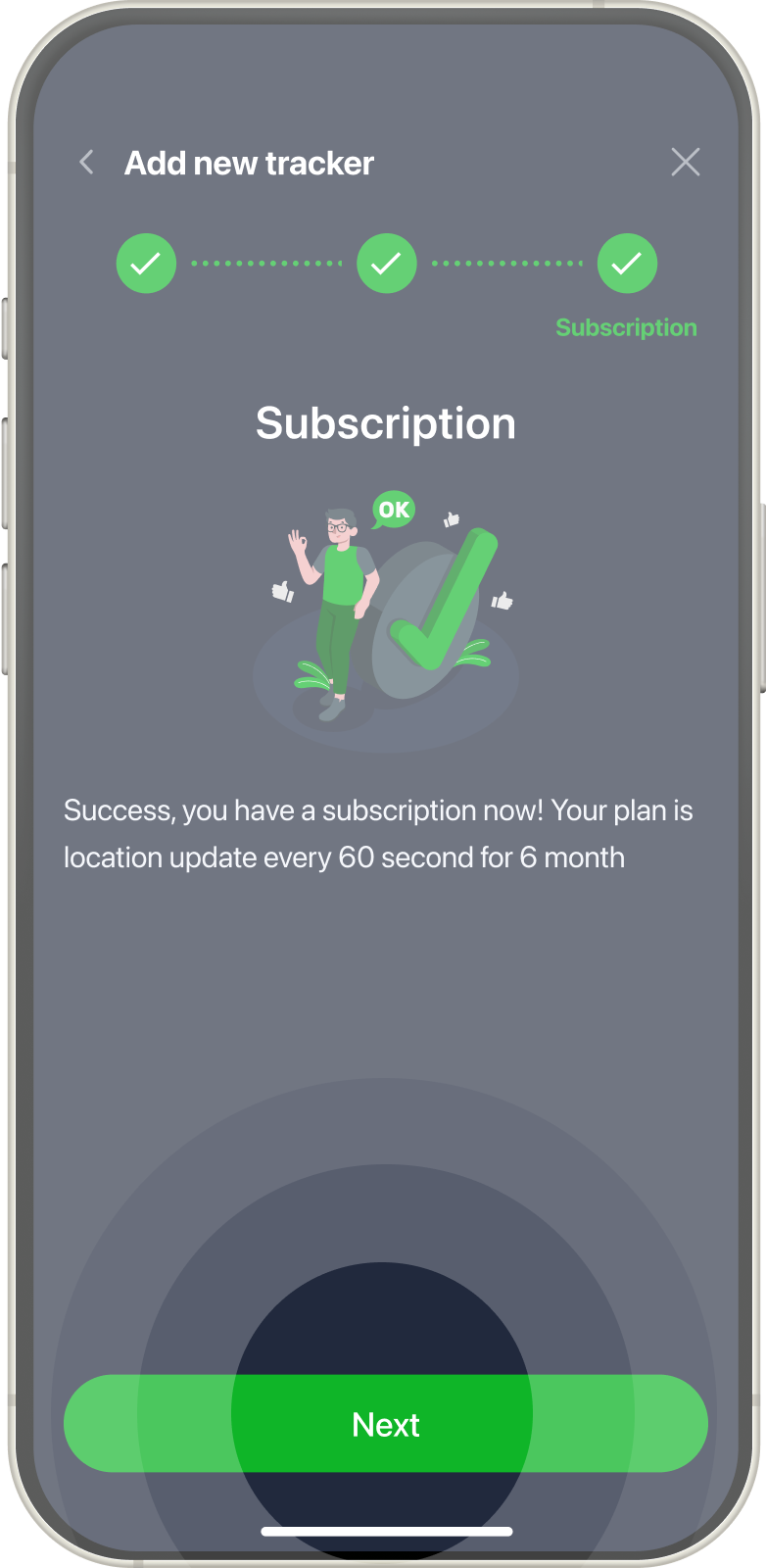
Name your pet tracker as you wish. Or skip it if you wish.
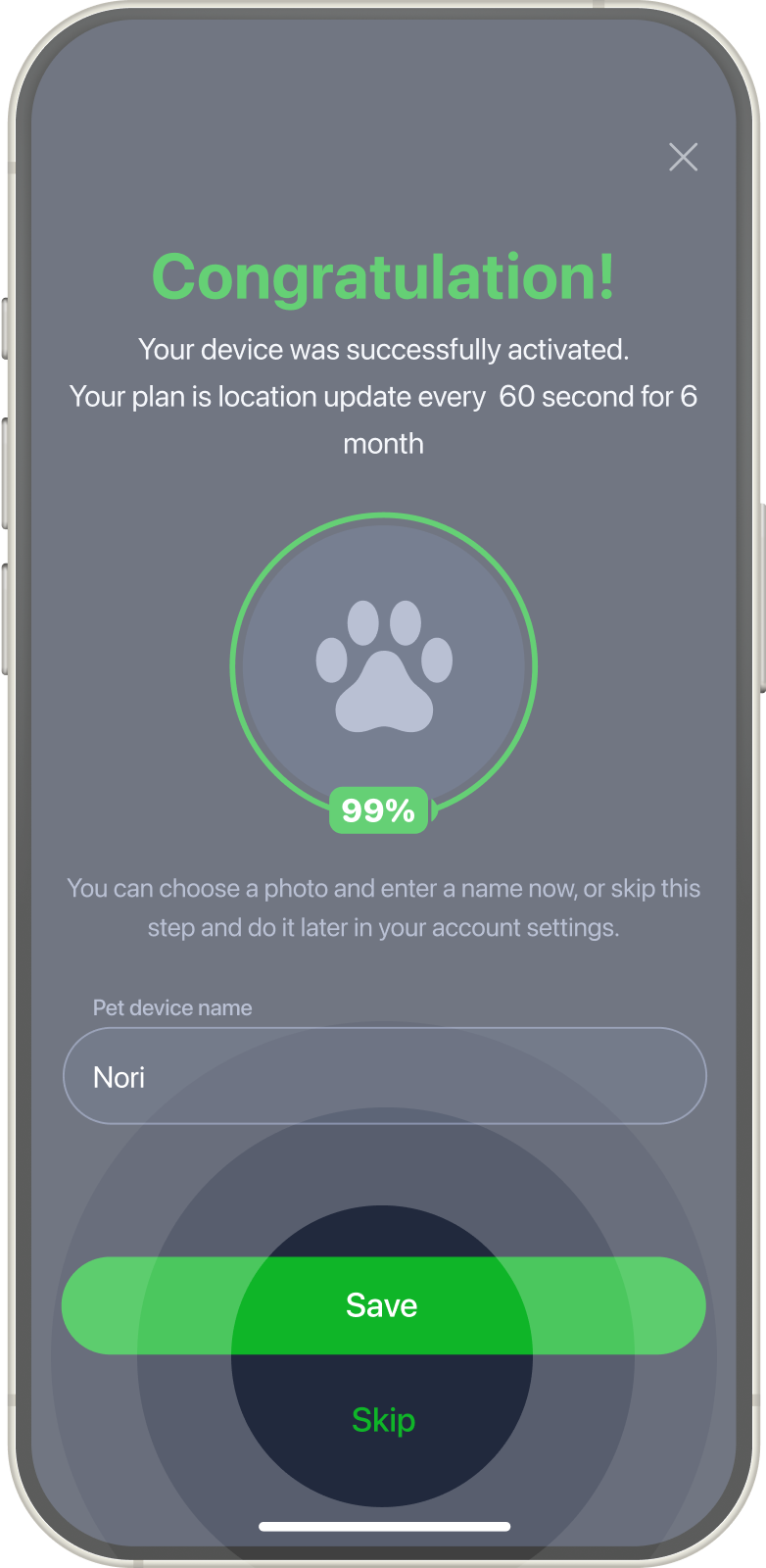
Now your tracker is available in the app.